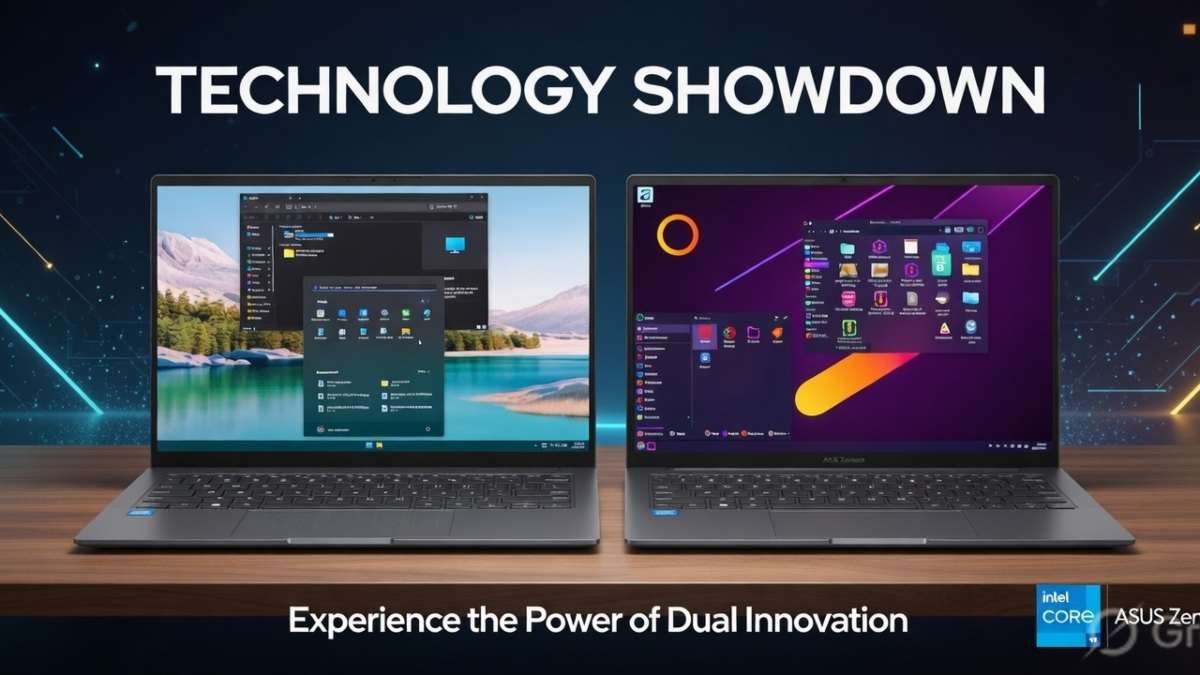
I was a Windows user for over 25 years. From the days of Windows 98 to Windows 11, I lived through every blue screen, every forced update, every suspicious ‘telemetry’ notice. I knew the Start Menu like the back of my hand. And then — one frustrated evening — I installed Linux. Everything changed.
Switching to Linux wasn’t just a technical decision. It was emotional. It was liberating. It reminded me why I fell in love with computers in the first place.
The Breaking Point: When Windows Stopped Feeling Like Mine
It started slowly. The ads in the Start Menu. The constant nagging to upgrade. The telemetry settings buried in menus. The forced restarts during work hours. Each one felt like a small betrayal.
Then came the day my perfectly functional laptop was declared ‘incompatible’ with Windows 11 due to a TPM 2.0 requirement. Hardware that worked beautifully was being artificially aged out.
That evening, I downloaded Ubuntu Linux. What I found on the other side was nothing short of a revelation.
First Boot: The Linux Experience Is Not What I Expected
I’ll be honest — I was terrified. I had heard the horror stories. ‘Linux is only for programmers.’ ‘You’ll live in the terminal.’ ‘Drivers never work.’ None of that was true — at least, not anymore.
My Linux desktop loaded in under 20 seconds. Wi-Fi, Bluetooth, and my printer were all detected automatically. No activation keys. No Microsoft account. No bloatware. Just a clean, fast, beautiful desktop.
For the first time in years, my computer felt like mine.
Performance: Linux Breathed New Life Into Old Hardware
This is where Linux genuinely shocked me. On Windows, my 4-year-old laptop struggled — 8GB RAM constantly near capacity, boot times exceeding 90 seconds, sluggish multitasking throughout the day.
On Linux Mint, the same machine booted in under 15 seconds, used only 1.2GB of RAM at idle, and ran multiple applications without a single hiccup. The performance gain was not subtle — it was dramatic.
The Linux kernel is ruthlessly efficient. There is no background Cortana, no Xbox Game Bar, no silent OneDrive sync consuming your bandwidth. Every resource goes exactly where you direct it.
The Software Ecosystem: Better Than You Think
‘But what about my apps?’ — this was my biggest fear. And it turned out to be the least of my problems.
Everything I needed had a Linux equivalent or native support: LibreOffice for documents, GIMP for image editing, Kdenlive for video editing, Firefox and Chrome both run natively. Steam works on Linux with Proton compatibility, making even Windows-exclusive games playable.
What surprised me most was Linux‘s package manager. Instead of Googling downloads and clicking through adware-bundled installers, I type one command or click in the App Center — and software installs cleanly, securely, and instantly.
Privacy: Linux Gives You Back Control
This matters more than most people admit. Modern Windows is riddled with telemetry — quiet background processes sending usage data to Microsoft. You can disable some of it, but never all.
With Linux, there is no corporation collecting your data by default. The OS is open source — its code is publicly auditable by anyone. No hidden agenda, no advertising ID, no unsolicited cloud sync.
For privacy-conscious users in 2025, Linux is the obvious, rational choice.
The Learning Curve: Real, But Worth Every Minute
I won’t pretend Linux is effortless. There is a learning curve. I spent a weekend getting comfortable with the terminal. I researched how to install certain drivers. Some proprietary software (like Adobe’s suite) doesn’t run natively.
But every challenge taught me something real. I learned how my system actually works. I stopped being a passive product consumer and became an active user with genuine control. The Linux community is helpful, patient, and well-documented.
The learning curve isn’t a wall — it’s a ramp. And once you crest it, you never want to go back.
Why Linux Is Trending in 2025
The numbers support the personal experience. Linux desktop usage has grown steadily year over year. Steam’s hardware survey shows Linux gaming at an all-time high. With Microsoft integrating aggressive AI features into Windows 12 and raising hardware requirements further, more users are turning to Linux as a real daily driver.
Distributions like Ubuntu, Fedora, Linux Mint, and Pop!_OS have made enormous leaps in user experience. The Linux desktop in 2025 is polished, stable, and genuinely beginner-friendly in ways it never was before.
The Emotional Side: Falling in Love With Computing Again
This part is hard to measure, but it’s the most real. When I use Linux, I feel a joy I hadn’t felt since I first touched a keyboard as a kid.
There’s no bloat fighting my workflow. No pop-ups selling me subscriptions. No forced updates interrupting my concentration. Just me and my machine, doing precisely what I ask.
Linux reminded me that a computer is a tool — and a great tool should empower you, not exhaust you.
Windows vs Linux: At a Glance
| Feature | Windows | Linux |
| Cost | Paid / Subscription | Free & Open Source |
| Privacy | Telemetry by default | No data collection |
| Performance | Heavy on resources | Lightweight & fast |
| Customization | Limited | Fully customizable |
| Security | Frequent vulnerabilities | Highly secure |
| Hardware Support | Drops older hardware | Runs on old PCs |
| Software Install | Manual / App Store | Package managers |
| Gaming | Best support | Rapidly improving |
| Learning Curve | Familiar to most | Moderate for beginners |
| Community | Corporate support | Massive open community |
Conclusion –
Switching to Linux was the best computing decision I’ve made in decades. It returned speed, privacy, control, and most importantly — the pure joy of using a computer. Whether you’re frustrated with Windows, want to revive aging hardware, or simply want a change, Linux is worth every moment of the transition.
It won’t be perfect on day one. But nothing worthwhile ever is. When you finally sit at a machine that boots instantly, respects your privacy, and bends to your will — you’ll wonder why you waited so long.
Linux didn’t just change my operating system. It changed how I relate to technology.
Frequently Asked Questions (FAQs)
Q1. Is Linux really free to use?
Yes. Linux is completely free and open source. Distros like Ubuntu, Fedora, and Linux Mint cost nothing to download and use forever.
Q2. Can a complete beginner switch to Linux?
Absolutely. Linux Mint and Ubuntu are designed for beginners, with clean interfaces and strong community documentation.
Q3. Will my hardware work on Linux?
Most hardware works out of the box on Linux. Proprietary Wi-Fi or GPU drivers may need occasional manual setup, but this is increasingly rare.
Q4. Can I game on Linux?
Yes! With Steam’s Proton layer, thousands of Windows games run on Linux. Cyberpunk 2077, Elden Ring, and CS2 all perform excellently.
Q5. Which Linux distro should I start with?
Linux Mint or Ubuntu for beginners. Fedora for privacy focus. Arch Linux for advanced users who want maximum control.
Q6. Can I run Microsoft Office on Linux?
Not natively, but LibreOffice handles most Office files well. Microsoft 365 works fully in-browser. CrossOver or WINE can run some Windows apps on Linux.
Disclaimer –
This article reflects the personal experience and opinion of the author. Results may vary based on hardware, chosen Linux distribution, and technical background. All trademarks (Windows, Microsoft, Ubuntu, etc.) belong to their respective owners. This content is for informational purposes only and does not constitute professional technical advice. Always back up your data before making any changes to your operating system.